Here you'll find an ongoing feed of everything pertaining to SaberComp. New resources, competition announcements, winners, and more! Subscribe via RSS for automatic updates.
Hi all! If you like to follow us on social media, there's now one more place to get updates. We're now on Bluesky! If any of you are on Bsky, we'd be thrilled if you dropped us a follow, and we'd love recommendations of people to follow in return!
Feel free to follow us on any of our other social channels as well:
One thing we've been diligently working on behind the scenes lately is a single, definitive, internal archive of past SaberComp and LCC entries. This is in support of the elusive "Official Archive" we've mentioned in passing for many years, which will be a public-facing interactive website. It seemed prudent to have something fairly easy to use and edit as we sort of prototype how we might build the real deal.
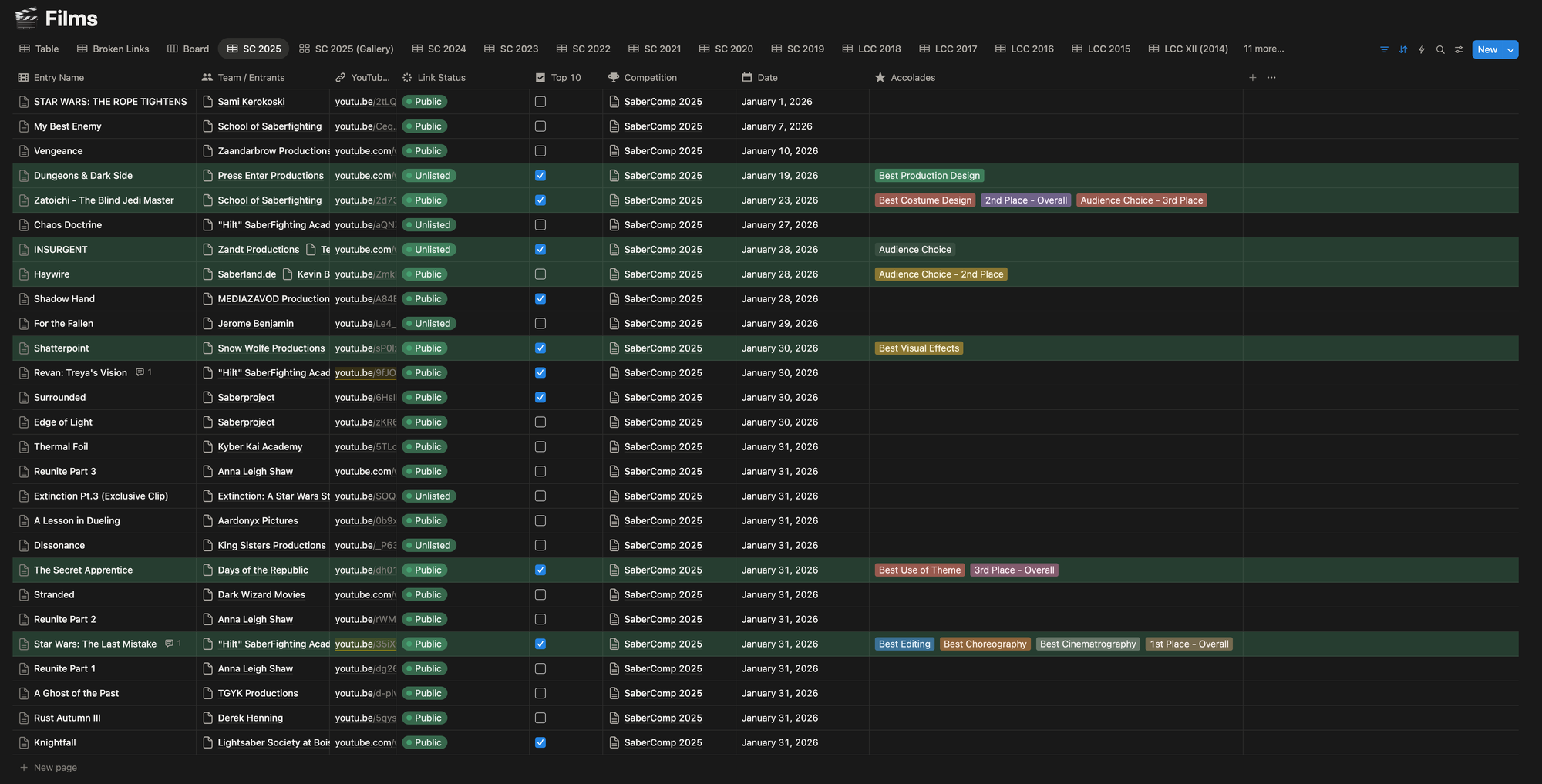
Every film that's been submitted over the past few years lives in a Notion database—title, creator, competition year, YouTube link, the works. It's a pretty comprehensive record of the community's output, and a place where the admin team can check for any info we have on an entry (cross-linking creators is where it gets really cool).
A view of our internal archive for SaberComp 2025.
One catch, however, is YouTube links are at the mercy of their creators, who can make videos private, delete them, or simply shut down their channel. There's also the challenge every year of ensuring everyone's videos remain "Unlisted" between submission and debuting the playlist. Manually keeping tabs on these would involve the following:
Having the Official Playlist open within the a tab signed into the SaberComp YouTube account.
Refreshing and noticing a video switched to a generic icon saying “Private Video”
Looking at the surrounding videos in the list and locating those in Notion.
Figuring out which video, hopefully in the same spot in the list, is missing.
Double-checking the YouTube link in Notion–Verifying if it’s Private or Deleted.
Setting Link Status accordingly.
Videos with a premiere set, luckily just get a “Premiere” tag placed on them.
So I turned to Claude Code, which I’ve been experimenting with recently, to automate the process.
The first version was a straightforward Python script that scanned a YouTube playlist and generated a report of video titles and statuses. It worked, but it had the same flaw as manually checking the playlist: if a video was private or deleted, YouTube wouldn’t tell me what it used to be. I’d just see a missing entry with no reliable way to map it back to a specific submission.
The better approach was to start from our own data. Instead of asking YouTube what’s there, the tool now pulls every entry directly from our internal Notion database using the Notion API (which turns out is free to use), then checks each stored YouTube link individually.
The SaberComp Link Checker is now a Python CLI (Command-Line Interface) that connects to Notion, grabs all film entries for a given competition, and runs each YouTube URL through a Python library called yt-dlp. We only request availability status, which returns one of five states—public, unlisted, premiere, private, or deleted—and updates the “Link Status” field in Notion accordingly.
Running it looks something like:
python main.py "SaberComp 2025"
It'll run through every entry, report back what it finds, and update Notion in one pass. There's also a dry run mode if we just want to see the results without actually affecting the Notion database. Here’s a video of it running on LCC 2015’s database:
0:00
/0:14
Real-time execution of this is about a minute. Past experience has taught me YouTube will get upset if scripts get too aggressive.
It's not flashy, but it's one of those tools that saves a significant amount of manual work. Being able to just run a command and know the health of an entire competition's worth of links is genuinely useful—especially when we're getting the Official Playlist built, and making sure we can view everything for Top 10 selection. A few of you will have received the "hey can you flip your video back to Unlisted?" email from us. This is how we were catching those this year.
2025 Live Stream has commenced. Join for an hour of shenanigans before the Judging begins at 12:00 PM PST!
The time is nearly upon us! In less than an hour, a panel of judges (and Max) will be providing live commentary of the Top 10 selected entries of SaberComp 2025. Our Competitors were charged with embracing the unpredictable. Whether their fight was wild, messy, unhinged, or beautifully off-the-rails, this year was all about energy you can’t bottle.
The Live Judging officially begins at 11:00 AM PST, but you can join the stream now on YouTube and chat with other community members while enjoying some epic highlights from this year's playlist.
SaberComp 2025 Official Playlist has landed! Watch and vote now!
Attention Competitors and SaberFans! The playlist for SaberComp 2025: Chaos is now live! Enjoy the staggering twenty-seven entries from our talented community this year!
The Council and our judges are currently compiling our Top 10 entries and we can't wait to discuss them during the live judging at 11:00 AM PST on Sunday, February 8, 2026 (Join the stream at 10:00 AM PST for preshow chat and shenanigans). But you don't have to wait for the livestream—you can vote now on your favorite entries for the Audience Choice! The poll will close during the live judging stream at 12:00 PM PST, and the winner will be announced during the results portion of the stream, so be sure to get your votes in before then.
Congratulations to all of our talented entrants on completing your SaberComp 2025 entries, and we look forward to seeing you at our live judging on our YouTube channel. Be sure to keep an eye on the SaberComp News Feed to know the moment the judging begins. See you there!
Lightsabers down! Thank you to everyone who entered this year! We have a total of 27 entries in the Official Playlist, which will debut on our YouTube channel and right here on the website this Friday, February 6, at 9:00 PM EST / 6:00 PM PST. We're excited to show off all the hard work of the community in this truly chaotic season!
The Live Judging for SaberComp 2025 will be streamed on our YouTube channel on Sunday, February 8, 2026, at 1:00 PM EST / 10:00 AM PST.
We are pleased to announce that the Live Judging for SaberComp 2025 will be streamed on our YouTube channel on Sunday, February 8, 2026, at 1:00 PM EST / 10:00 AM PST. We look forward to everyone joining us!
Head over to the Submit page to send us your entry anytime between now and January 31st, 11:59 PM PST.
We're pleased to announce that submissions for SaberComp 2025 are now open! Head over to the Submit page to send us your entry anytime between now and January 31st, 11:59 PM PST. Keep an eye on that countdown at the bottom of the page 😉
Really hoping this all went off without too much of a hitch, since our launch day of January 1st is also the day we open up submissions for SaberComp 2025... a fact that never goes unnoticed on our Discord server.
I commenced the DNS switch late on December 30th. What would normally be a simple matter of unhooking the domain from SquareSpace and hooking it into Ghost via the Hover dashboard was complicated by the fact that I needed to change the name servers in order to route everything through CloudFlare first.
This is to facilitate some other changes I intend to make that CloudFlare will simplify for me. But 24 hours after the DNS change, we're still facing some issues with caches at various levels of the internet. I'm hoping by sometime tomorrow, the kinks will be worked out, and we'll have a smooth transition into the submission month.
Over the years since taking over the LCC and then later SaberComp website, my involvement in the web world has ebbed and flowed. I initially took control of the domain in 2014, while I was actually working full-time as a web developer, designing and coding WordPress themes for photographers.
The first versions of the LCC site handled by me, ended up as a WordPress site, with a premium theme I purchased and made work for our purposes. After some years, and leaving that WordPress theme development job and going back into visual effects, I fell out of practice on the web front. SquareSpace was really coming into its stride around then (2016 or so), so I moved the whole site over there.
For years I've maintained the site there. A couple years ago I made an effort to try to build out more content on it, but was finding myself limited by the engine we were using, and quite bored with the aesthetic. I could have switched it over to the new engine, which I did on my personal site, but my experience there confirmed I was really outgrowing their platform all together.
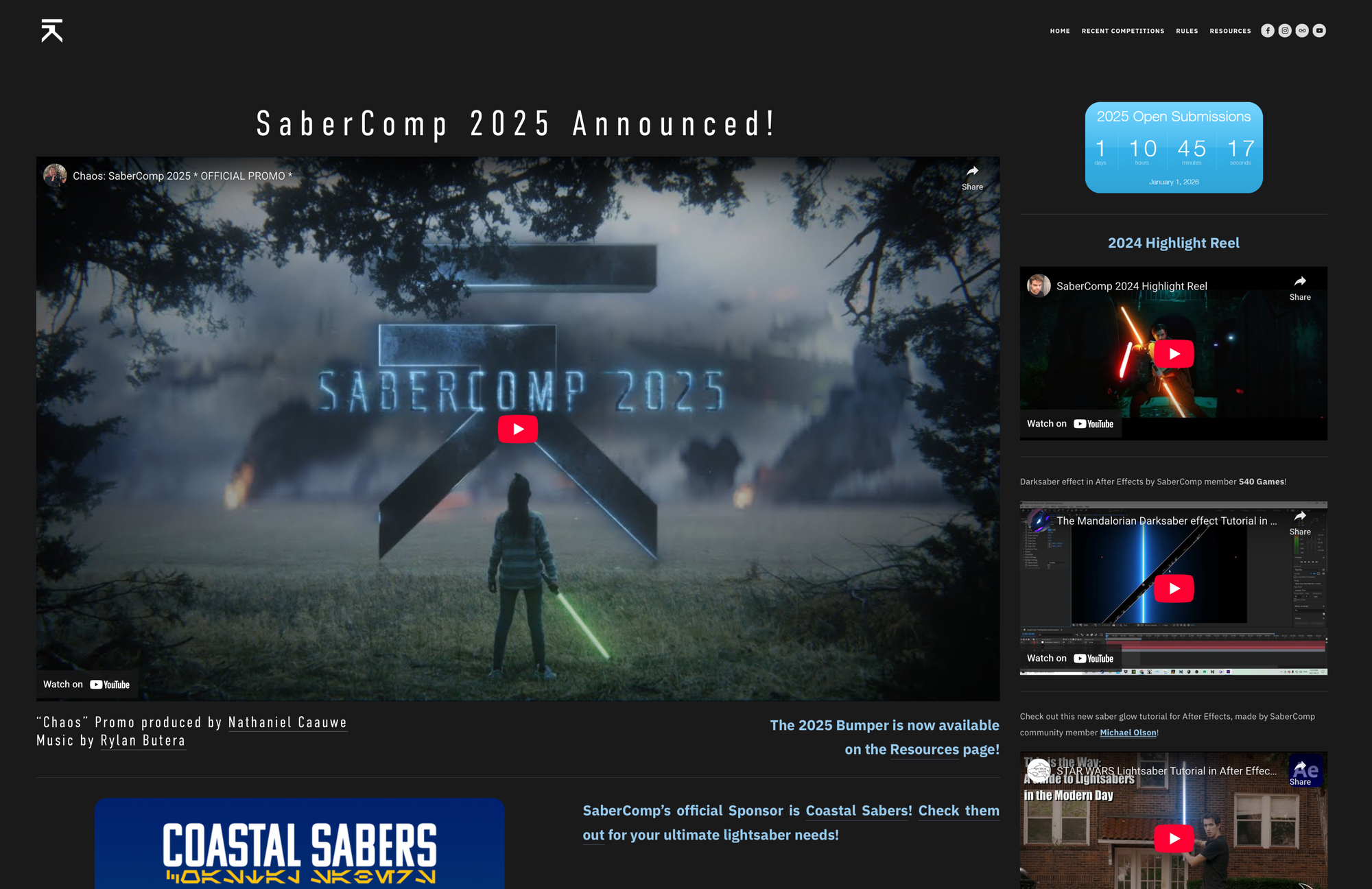
The previous website at the end of its tenure.
Enter Ghost
I've been on the lookout for a possible platform on which to rebuild the SaberComp front-end site, and definitely tried a few that I thought might be promising. But one that kept standing out to me in terms of back-end functionality was Ghost, which is where we are now. The ease of sending out blog posts as newsletters, and having a built-in RSS feed, was rather exciting for SaberComp, since we definitely have a heap of things to notify the community about throughout the year. And I've long been trying to make the website the de facto source of information.
I've also had an itch to get back into web development a bit more on my own, and between my personal site and SaberComp, I have a couple of test beds to really play around. I'll probably still see about developing my own custom Ghost theme for my personal site, but SaberComp was in more dire need of a makeover. So I started auditioning some premium themes; I had a whole group of tabs saved and I basically kept clicking through their demo sites, wondering how I might be able to utilize their various page templates for our site... and always thinking in the back of my mind: "well I can probably throw some custom CSS in there to really muck things up."
"Bright"
The winner, by virtue of me just deciding on a whim to pull the trigger and start building, was a theme called Bright, sold by Spiritix. It had a lot of the design elements that I'm drawn to at the moment, glassy divs, shimmering hover effects, and of course, some glowy bars.
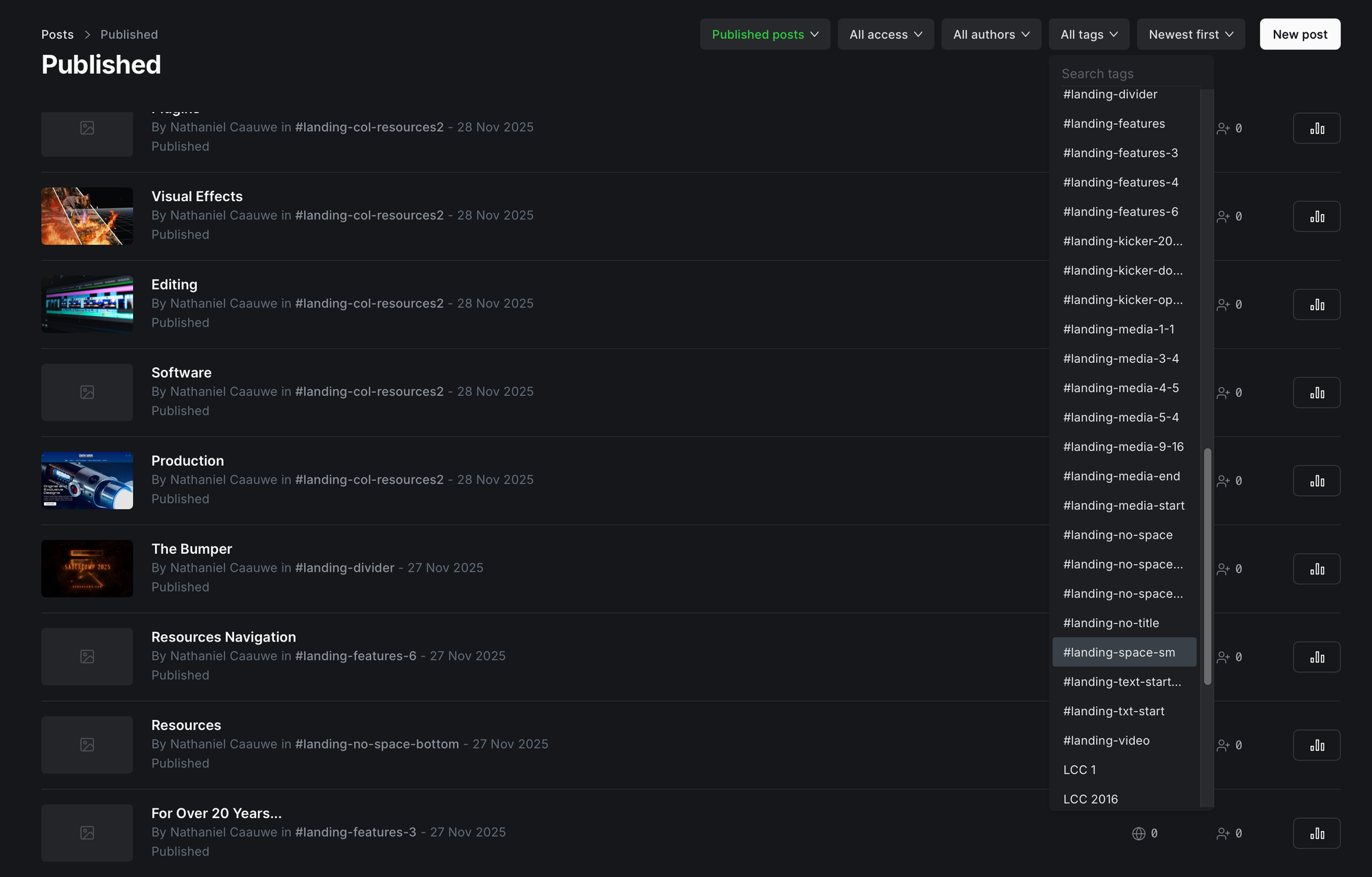
The tricky part at first was figuring out how to control the theme in Ghost's dashboard. It's basically controlled by internal tags. You create a post the way you would a blog or news update, but assign it a special internal tag that the Bright theme then picks up and knows how to display it. There are a whole heap of #landing-col tags that allow me to populate the homepage with pretty much any type of section I could want... within the confines of what the developer built out.
Our Ghost dashboard of sections and tags.
Hacking it up...
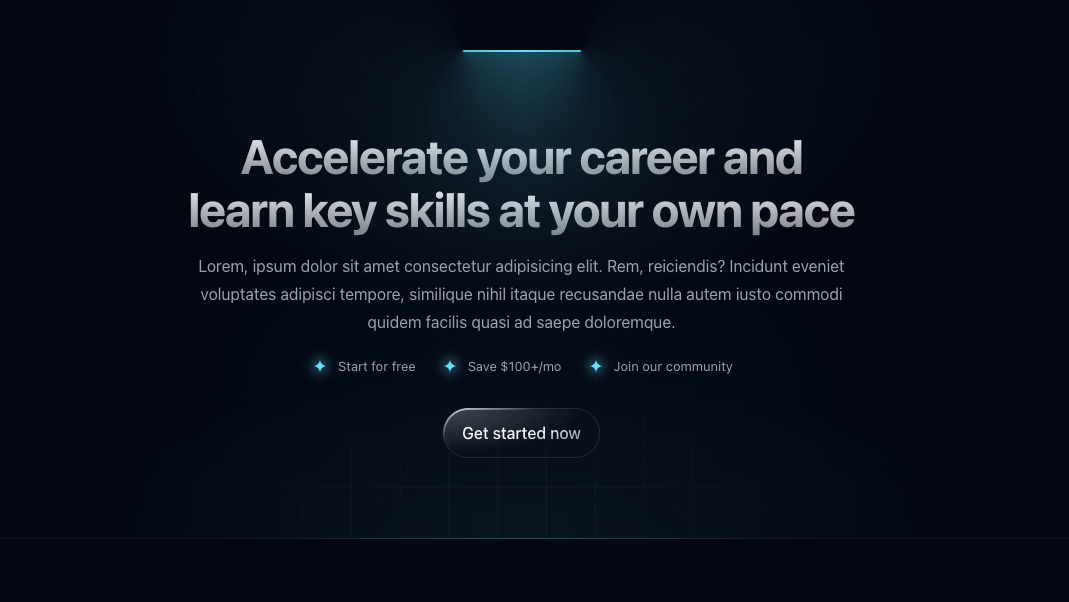
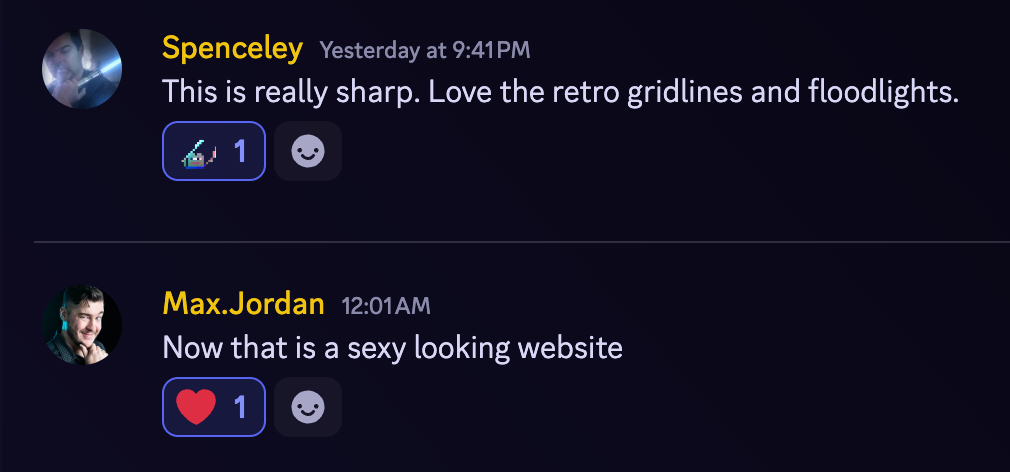
The real fun came when I started showing what I was doing to the Council. Initial reactions were all very positive, but of course then the requests and ideas start coming in. And no one else has any inkling of the limitations I'm dealing with. The Call to Action bit is of course very cool, with the glowing bar shining down on the heading, which takes on our accent color. One of the immediate thoughts was "oh we should have those on other sections too!"
This sent me into a late-night binge of scouring the web inspector to see how the heck that glowing bar was even built. Luckily it was all just HTML and CSS. I was able to copy the whole div and paste it into an HMTL block on the welcome section, and then I was able to mess with the styling to make it wider, and give it a custom color. This all ended up being specified inline, right inside some <style> tags on the elements themselves. I am neither proud nor ashamed of this.
The real hard part was trying to figure out how to get it to expand out, as the Call to Action ones do. I finally had an "aha" moment when I was watching the Web Inspector and noticed there was an initial class assigned to the element, that was then removed by JavaScript when it came into view. Since I had initially done and inspect element on the already-visible bar, I never noticed this class. Once I applied that, we were in business. I can now throw one of these little lightsaber bars anywhere I want, and it'll activate on page load (if it's in view) or when it scrolls into view... or at least anywhere on the landing page. I have no reason to expect it'll necessarily work anywhere else.
12/31/25 Edit: Scratch that. Got it to work on the Submission page!
One Last Custom Touch
One thing we've had for many years on the website has been a live countdown. Amazingly, I've been able to use the same countdown service for almost 10 years, which would spit out an HTML block that I could throw into a footer or SquareSpace section.
However, said service finally seems to have taken a turn for the worse. They moved to a new design engine, which was actually much more restrictive than before, and I could no longer access my previous countdowns. So I decided to let ChatGPT take a stab at it. I presented it with the WIP homepage and told it I needed a persistent countdown that sat at the bottom of the page and to style it to match the site.
What you see at the bottom of the page is almost entirely what it came up with. I proceeded to work with it a bit and noodle with the code a little myself, but when I got stuck a few times (my JavaScript skills are very rusty), it was able to help me replace the correct lines with what I needed.
A couple things I particularly like about it:
The time listed in the lower left is local to the user viewing the page.
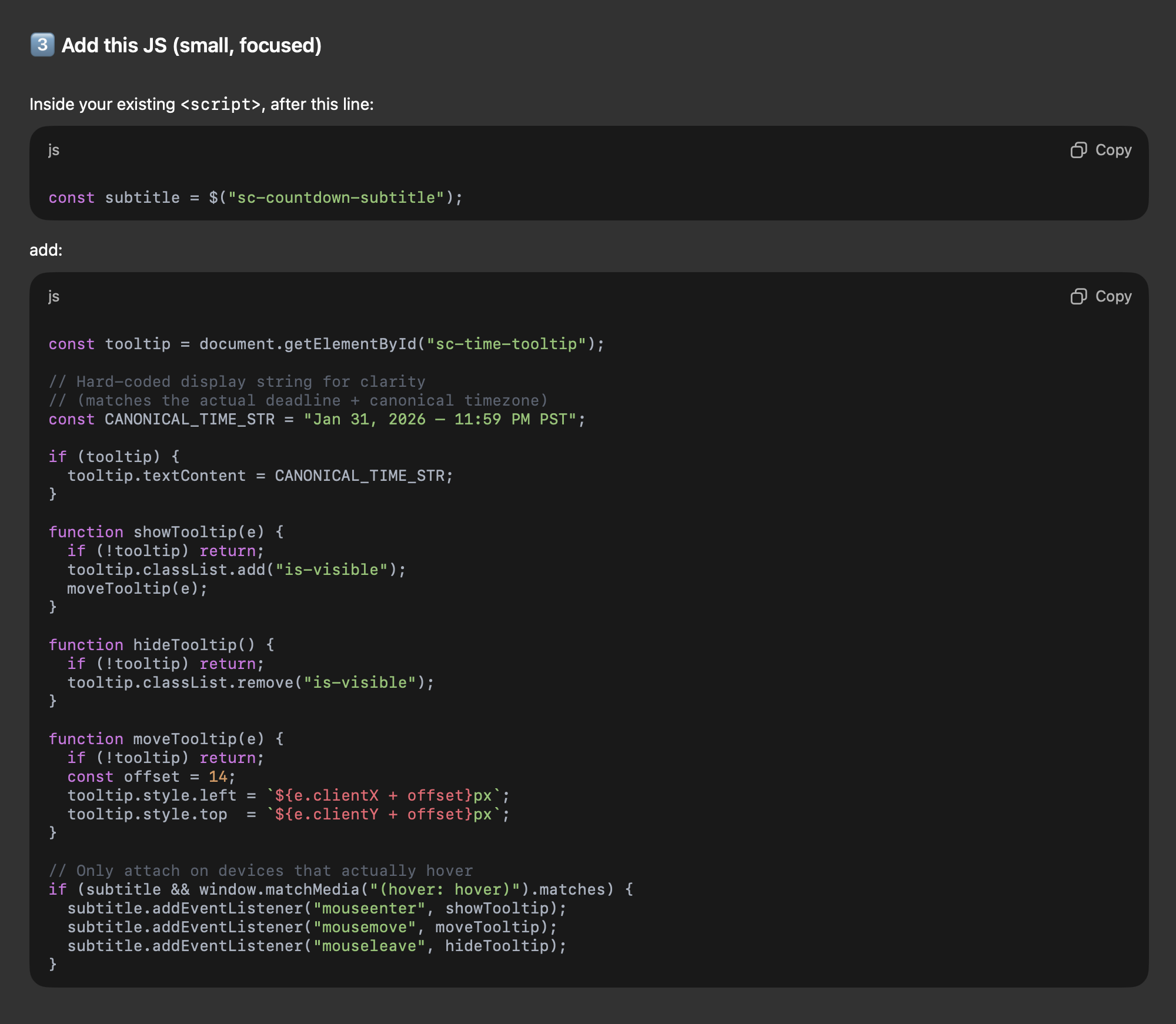
Mousing over said time will show a beautiful tooltip that displays the Pacific time we're counting down to.
The state of whether the countdown is visible or hidden tracks across your session. As you navigate the site, it'll stay hidden if you've done so, and even through a refresh. Only when opening the site in a new tab will the state reset.
I've been tackling a rebuilding the SaberComp front-end site on a new platform: Ghost. The main things I'm looking to leverage are the built-in newsletter delivery, and the news feed, which should allow us a much more robust way to get the latest news regarding the competitions and general goings on around the community... to the community.
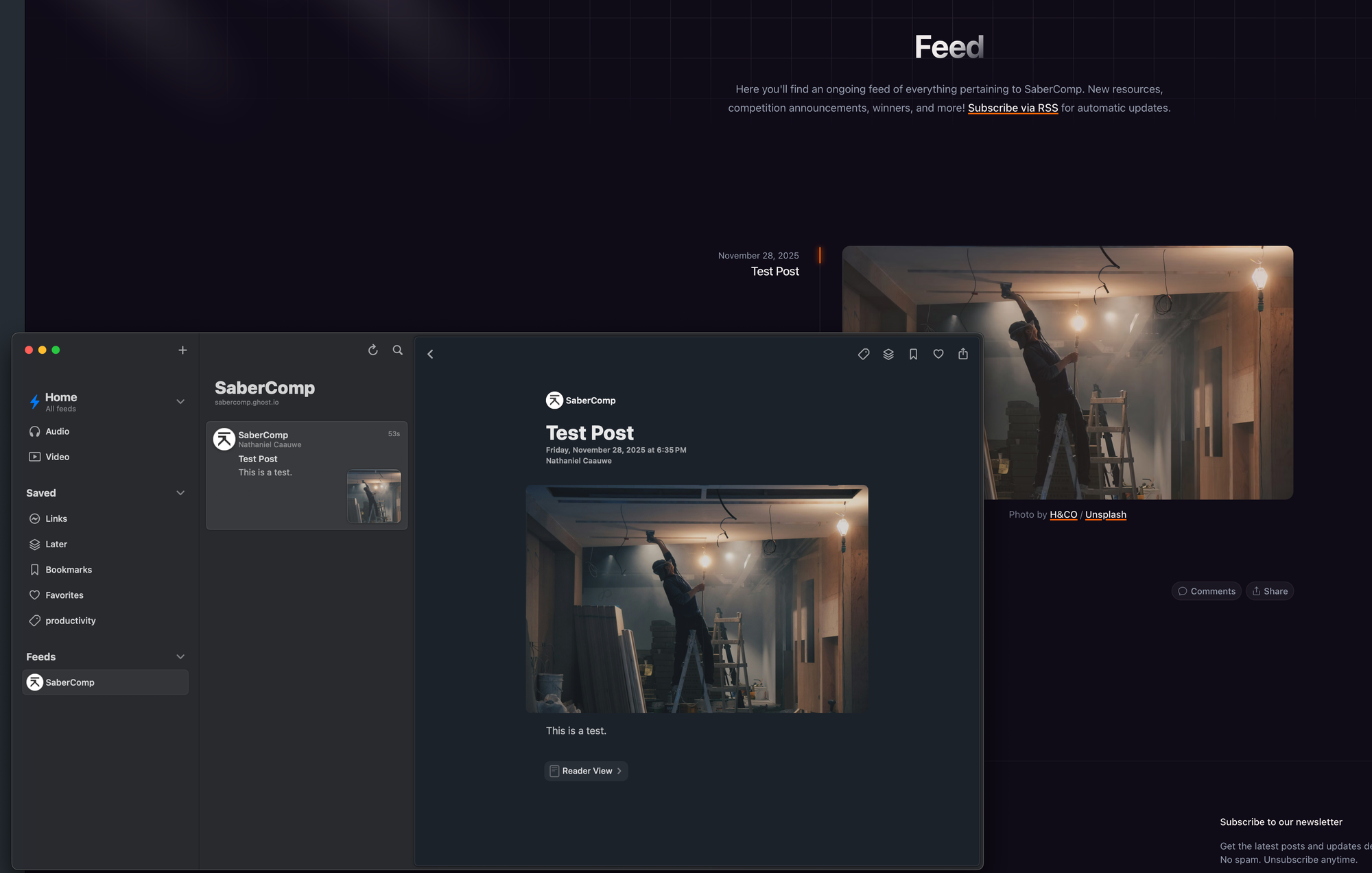
Figured I'd start the feed with something like this. Once we go live, people can go back and check these out :)
Testing the RSS feedFirst feedback from Council members <3