
One thing we've been diligently working on behind the scenes lately is a single, definitive, internal archive of past SaberComp and LCC entries. This is in support of the elusive "Official Archive" we've mentioned in passing for many years, which will be a public-facing interactive website. It seemed prudent to have something fairly easy to use and edit as we sort of prototype how we might build the real deal.
Every film that's been submitted over the past few years lives in a Notion database—title, creator, competition year, YouTube link, the works. It's a pretty comprehensive record of the community's output, and a place where the admin team can check for any info we have on an entry (cross-linking creators is where it gets really cool).
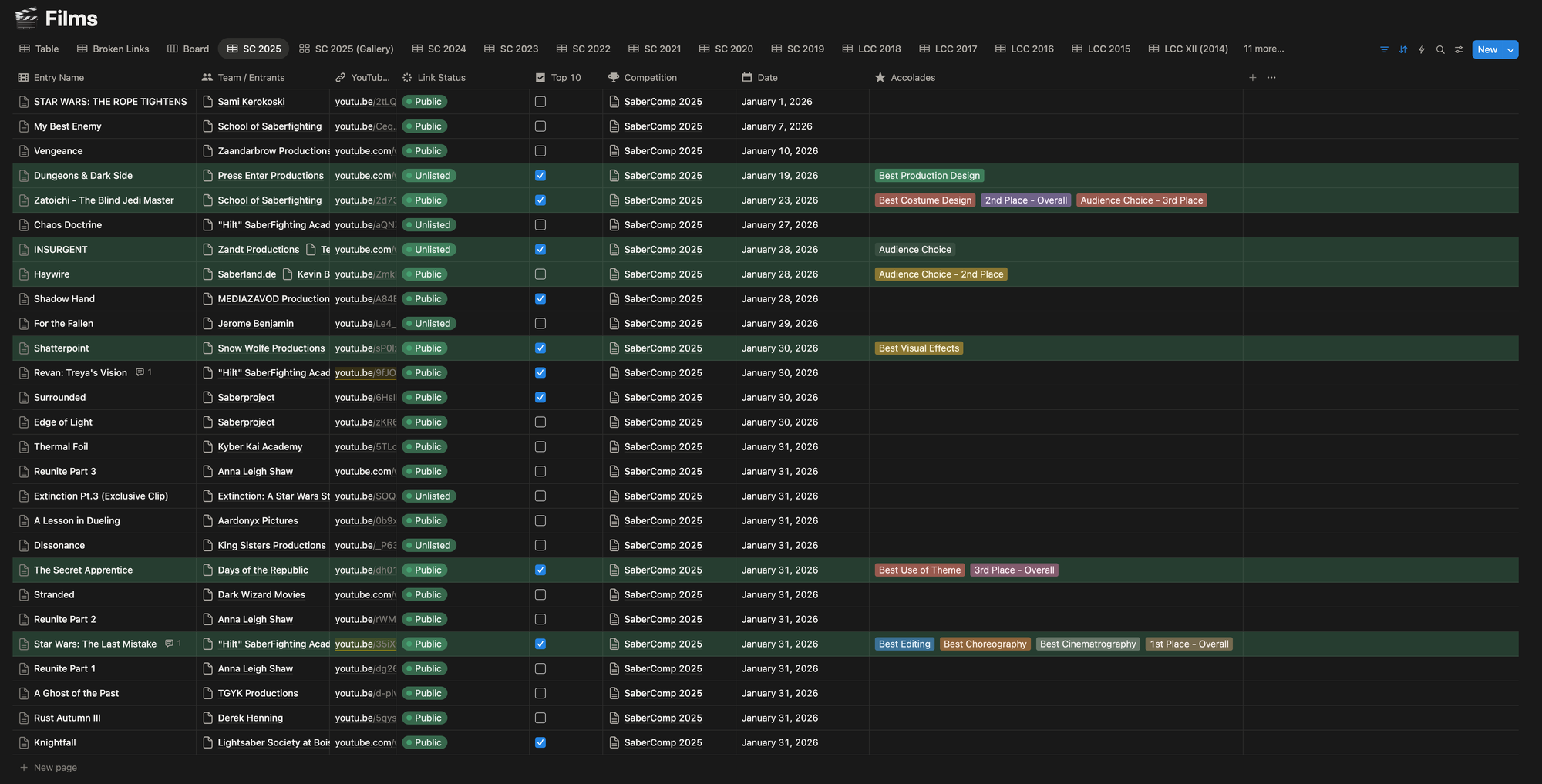
One catch, however, is YouTube links are at the mercy of their creators, who can make videos private, delete them, or simply shut down their channel. There's also the challenge every year of ensuring everyone's videos remain "Unlisted" between submission and debuting the playlist. Manually keeping tabs on these would involve the following:
- Having the Official Playlist open within the a tab signed into the SaberComp YouTube account.
- Refreshing and noticing a video switched to a generic icon saying “Private Video”
- Looking at the surrounding videos in the list and locating those in Notion.
- Figuring out which video, hopefully in the same spot in the list, is missing.
- Double-checking the YouTube link in Notion–Verifying if it’s Private or Deleted.
- Setting Link Status accordingly.
- Videos with a premiere set, luckily just get a “Premiere” tag placed on them.
So I turned to Claude Code, which I’ve been experimenting with recently, to automate the process.
The first version was a straightforward Python script that scanned a YouTube playlist and generated a report of video titles and statuses. It worked, but it had the same flaw as manually checking the playlist: if a video was private or deleted, YouTube wouldn’t tell me what it used to be. I’d just see a missing entry with no reliable way to map it back to a specific submission.
The better approach was to start from our own data. Instead of asking YouTube what’s there, the tool now pulls every entry directly from our internal Notion database using the Notion API (which turns out is free to use), then checks each stored YouTube link individually.
The SaberComp Link Checker is now a Python CLI (Command-Line Interface) that connects to Notion, grabs all film entries for a given competition, and runs each YouTube URL through a Python library called yt-dlp. We only request availability status, which returns one of five states—public, unlisted, premiere, private, or deleted—and updates the “Link Status” field in Notion accordingly.
Running it looks something like:
python main.py "SaberComp 2025"
It'll run through every entry, report back what it finds, and update Notion in one pass. There's also a dry run mode if we just want to see the results without actually affecting the Notion database. Here’s a video of it running on LCC 2015’s database:
Real-time execution of this is about a minute. Past experience has taught me YouTube will get upset if scripts get too aggressive.
It's not flashy, but it's one of those tools that saves a significant amount of manual work. Being able to just run a command and know the health of an entire competition's worth of links is genuinely useful—especially when we're getting the Official Playlist built, and making sure we can view everything for Top 10 selection. A few of you will have received the "hey can you flip your video back to Unlisted?" email from us. This is how we were catching those this year.